We recently launched a modernized version of the OpenWeb Email portal.
This update moves the platform to a new and improved infrastructure while maintaining the workflows you already use today.
Below is a quick guide to help you navigate the updated portal.
The Portal Dashboard
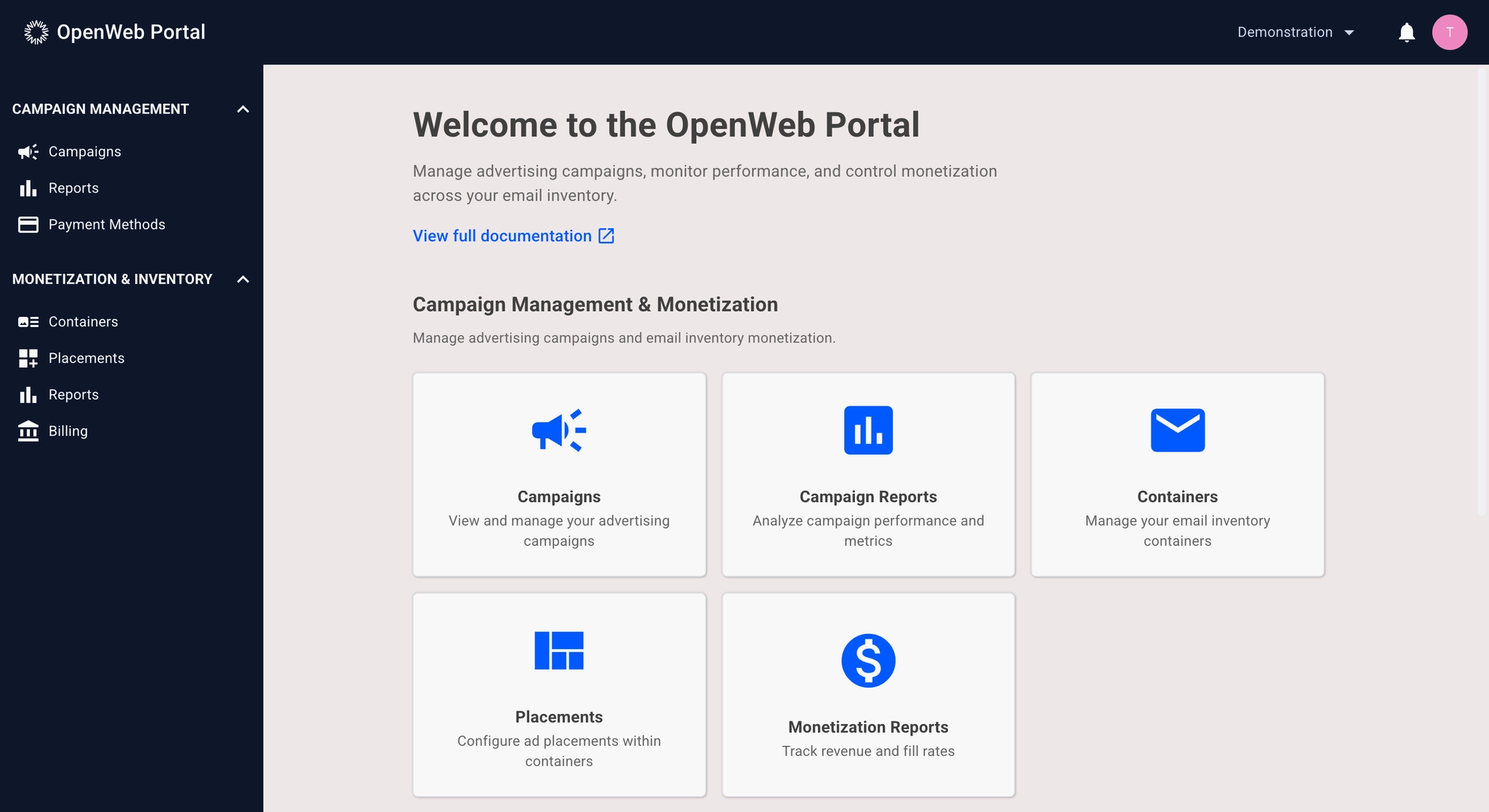
The dashboard is your entry point into the platform.
From here you can access:
- Campaign management
- Inventory management
- Reporting tools
Managing Campaigns
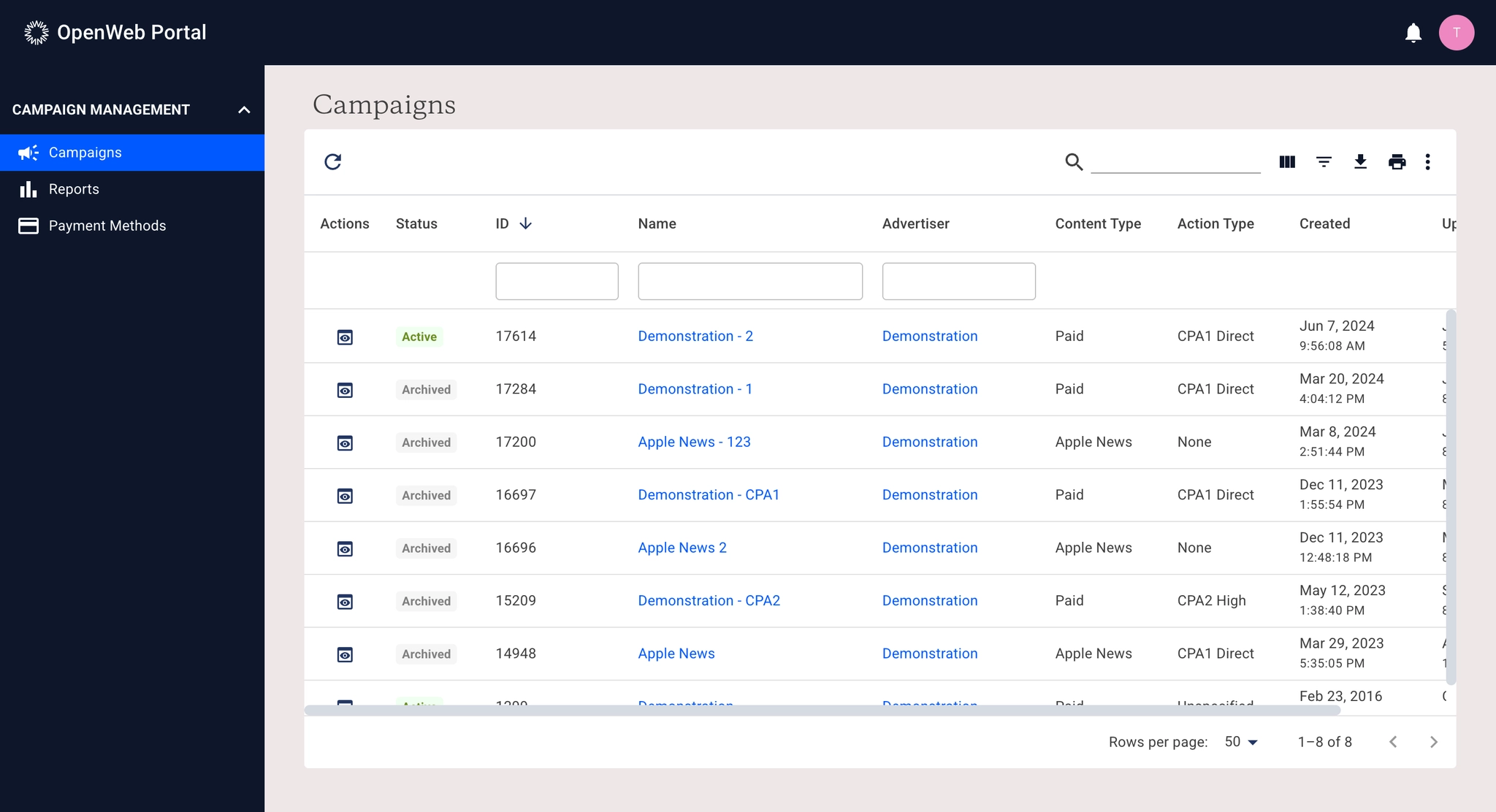
The Campaigns page allows you to view and manage all campaigns associated with your account.
Key improvements include:
- Improved filtering and sorting
- Faster table performance
- Cleaner navigation
Viewing reporting
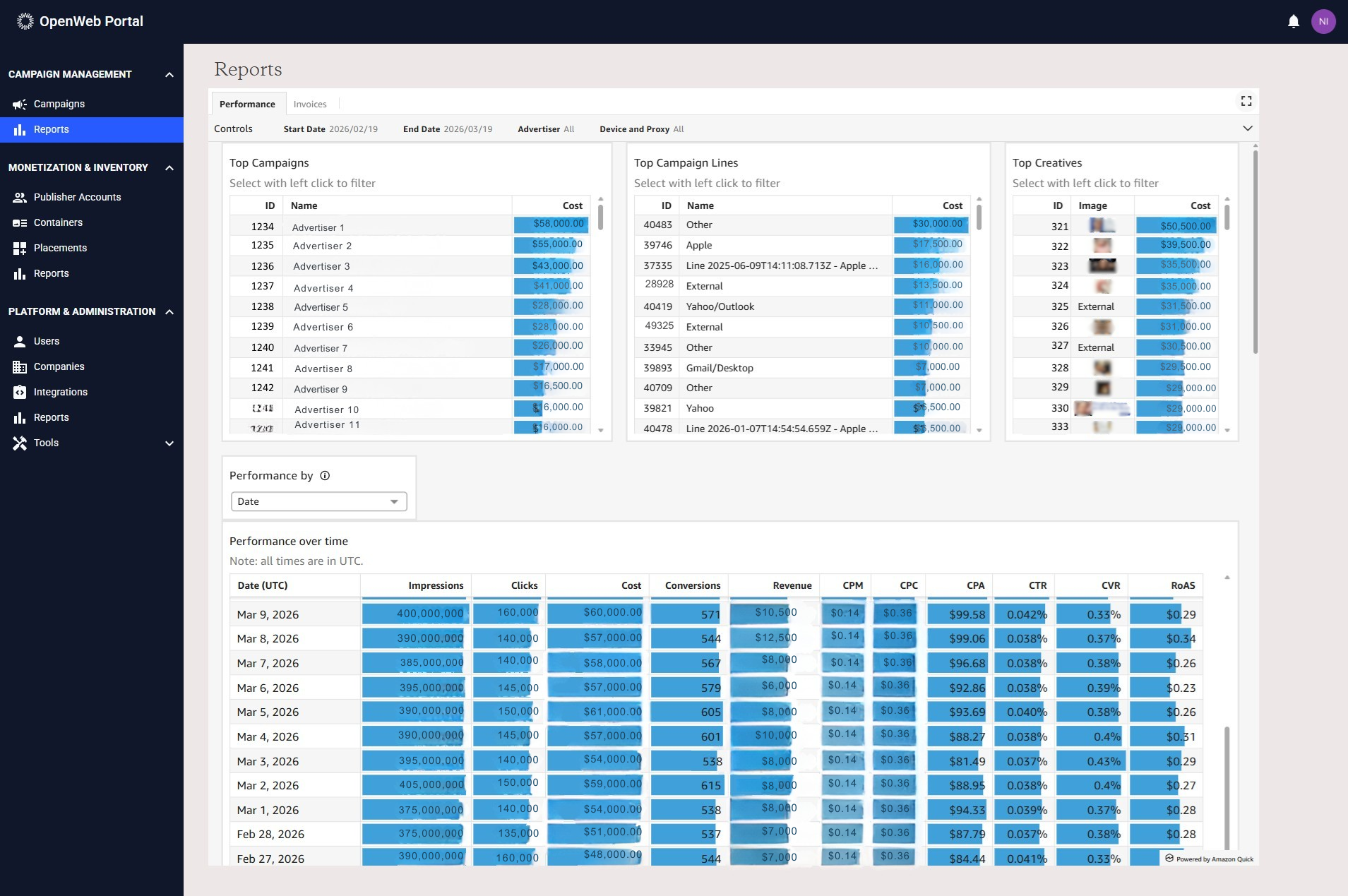
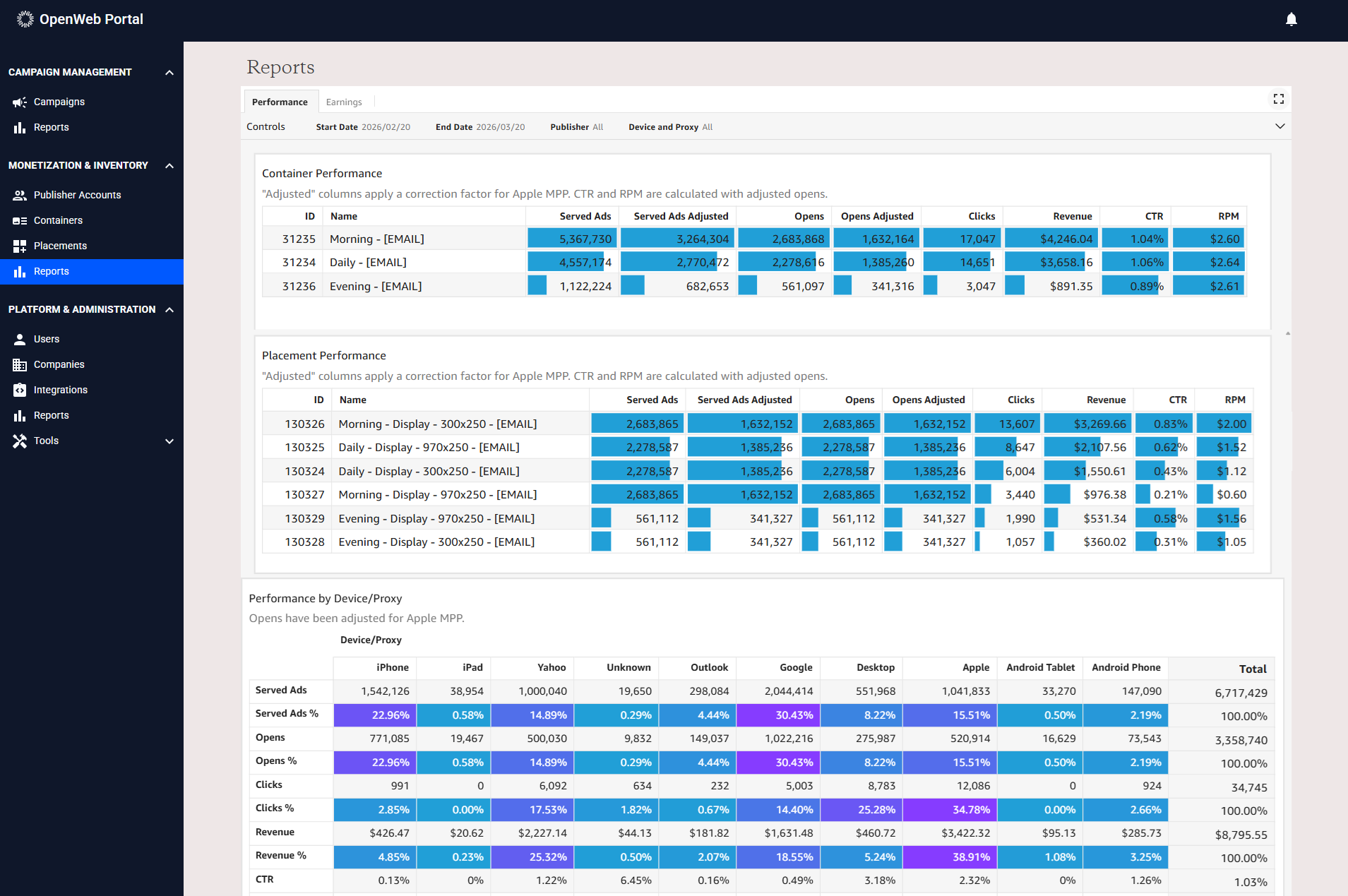
The Reporting section provides updated performance dashboards with improved breakdowns across:
- Campaigns
- Placements
- Devices
If you have any questions about the new portal, please contact your PSM or Account Executive.